Pillar 6 — The Practice Portal™
Your students came for your teaching. Give them a place that feels like yours.
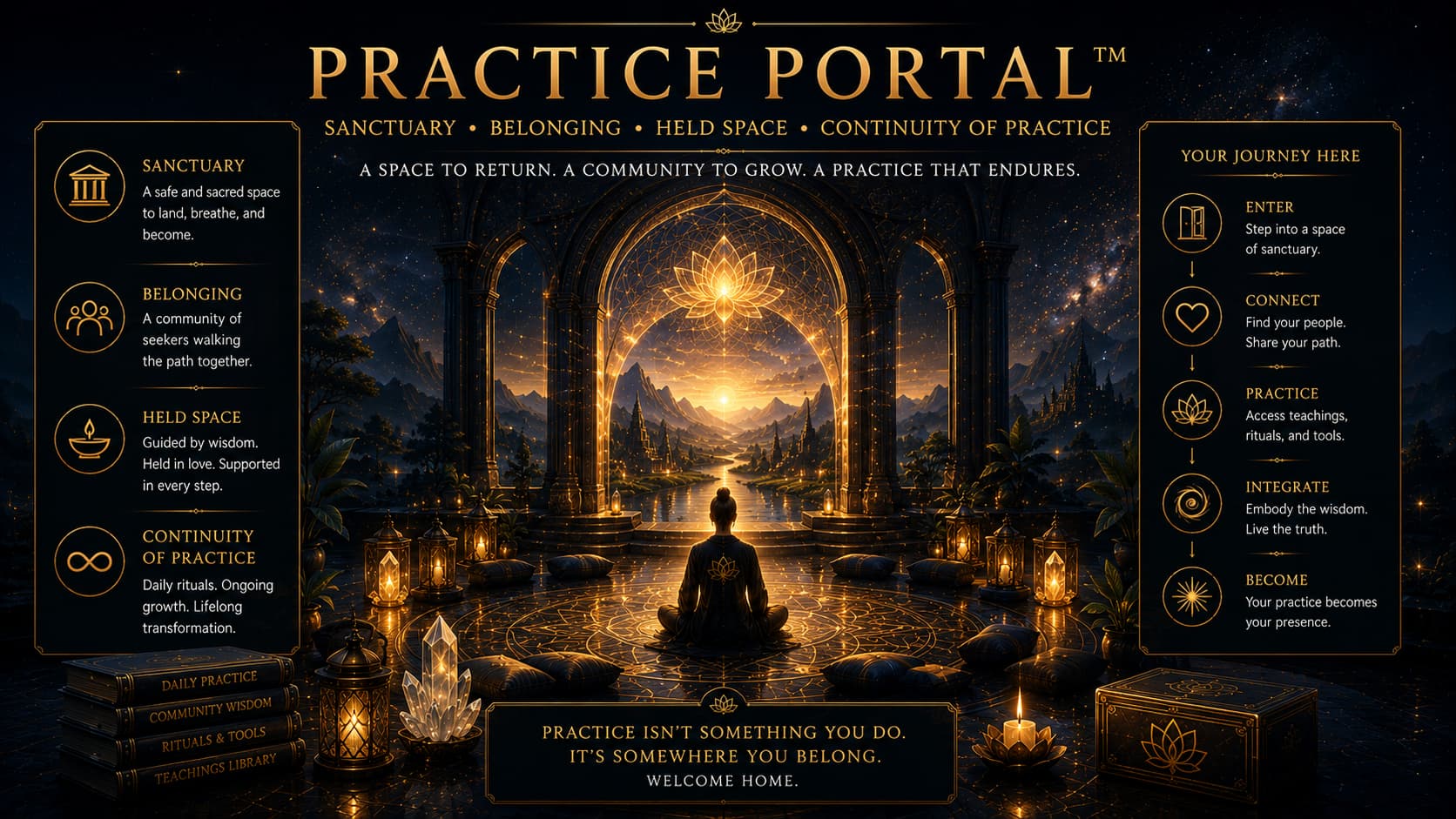
Your practice. In their pocket. Your teaching, on your terms.
Your students didn't come looking for another platform.
They came looking for you.
Your philosophy. Your particular approach. The teachings and practices that made them want to study with you in the first place.
But when they enrol, they may find themselves navigating a generic course platform, hunting for session links in emails or trying to follow a community conversation they don't feel comfortable joining.
The teaching is yours.
The experience surrounding it often isn't.
What if your students had one beautifully designed place to return to your work?
The Practice Portal™ is a custom-branded mobile app designed around your teaching, your content and the way your students practise.
Courses. Recordings. Live sessions. Practice resources. Community.
Brought together in an environment built for your work.
Your practice. Their place to return to it.
Your students shouldn't have to navigate five platforms to study with you.
Perhaps your courses live on one platform.
Your community is somewhere else.
Live sessions happen through another service.
The recordings are stored in a library that students have to remember how to access.
And the important announcement you sent last week is now buried under fifty other emails.
None of these systems is necessarily bad.
But together, they can make the experience of studying with you more complicated than it needs to be.
Your students should be spending their attention on the teaching, not on figuring out where everything is.
The Practice Portal™ brings the relevant parts of your learning experience into one coordinated mobile environment.
A place that carries your identity, organises your resources and makes it easier for students to return to their practice.
A digital home that belongs to your teaching.
Many platforms provide valuable tools for running courses, memberships and communities.
For an emerging teacher, they can be an excellent starting point.
But as your work grows, the limitations may become more noticeable.
You may want a different navigation structure.
A more considered student journey.
Better connections between your teachings and resources.
Or an experience that reflects your philosophy rather than adapting your philosophy to someone else's interface.
The Practice Portal™ is designed around those requirements.
Through Personify Presence Profile™, we establish your language, voice, teaching structure and the distinctions that matter.
Through Tantric Design Intelligence™, we consider the experience of entering the app, finding a resource, beginning a practice and returning to it over time.
The result is a mobile environment designed specifically for your work.
Not just your logo on someone else's idea of a learning experience.
More control over the digital home you've built.
A dedicated app can give you greater control over your presentation, student experience and commissioned digital assets.
We aim to establish client-controlled developer accounts, clearly defined ownership rights and documented access to the components developed for the project.
That doesn't eliminate external dependencies.
Mobile apps still rely on operating systems, app stores, hosting, software services and ongoing maintenance.
But those dependencies should be transparent.
You should understand what you own, which services you pay for, how your student data is handled and what happens if you change providers.
Digital sovereignty begins with knowing what you control.
An experience designed for practice, not endless scrolling.
The Practice Portal™ isn't intended to become another place demanding your students' attention.
It's designed to help them engage with the work they've chosen to study.
Depending on the package, a student might open the app to:
- Continue a course where they left off
- Listen to a guided meditation
- Download an approved practice resource
- Join a scheduled live teaching
- Review a recording
- Find an upcoming workshop
- Connect with another student who shares their interests
The experience is organised around purposeful participation.
Not simply keeping people inside an application for as long as possible.
The practice matters more than the screen.
A community that doesn't only work for extroverts.
Some students love discussion forums.
They introduce themselves, join conversations and quickly become familiar faces.
Others don't.
They may value being part of a teaching community without wanting to participate in public discussions.
They may prefer a smaller connection.
Or want to meet someone studying a similar subject without making an announcement to an entire group.
The Practice Portal™ can support different ways of participating.
Optional student matching
For appropriate packages, we can design a student-matching feature that helps willing participants discover potential practice connections.
Students choose whether to participate and what information they want to share.
Matching might consider volunteered interests, practice topics or preferred ways of connecting.
Students can accept or decline suggested connections and control their participation.
A quieter student shouldn't have to become an extrovert to feel welcome.
The aim is to make participation more accessible, not force everyone into the same kind of community.
Live teaching in a more connected environment
For teachers offering regular live sessions, the Practice Portal™ can become the central place students use to participate.
An upcoming session appears in the app.
Students can receive an optional reminder.
They open the event and join through the configured live-video experience.
Relevant session resources can be made available in the same environment.
Afterwards, approved recordings can be organised in the teaching library.
The live-video provider may still operate behind the scenes.
But students experience a clearer, more coordinated journey.
Less searching for links. More time for the teaching.
Choose your Practice Portal™
Three starting configurations are designed for different stages of an established teaching business.
Final delivery scope, platform architecture and third-party costs are agreed before the build begins.
Foundation Practice App
One beautifully organised home for your teaching.
US15,000build+US247/month
For established teachers who want a dedicated, branded mobile experience for their existing teaching resources.
Proposed inclusions:
- Custom-branded iOS and Android app experience
- App-store publication support under the agreed developer accounts
- Course and resource library
- Video, audio and PDF content
- Student progress tracking
- Defined offline access and downloads where technically appropriate
- Push notifications
- Foundational community functionality
- Payment configuration for agreed purchasing pathways
- Basic usage analytics
- Design informed by your Personify Presence Profile™
- Tantric Design Intelligence™ experience architecture
Give your students one place to find, continue and revisit your teaching.
Best suited to teachers with established courses and recordings who want a dedicated home for their material.
[Enquire About Foundation Practice App]
Launch Live Studio
Bring your live teaching, content and community together.
US25,000build+US397/month
For teachers who regularly run live classes, group practices, circles, workshops and ongoing learning programmes.
Builds on the Foundation Practice App, with a proposed expanded scope including:
- Live group-video integration
- Scheduled classes and events
- Live-session chat
- Calendar connections
- Session reminders and countdowns
- Push notifications for upcoming sessions
- Recording and archive workflows, subject to permissions and provider capabilities
- Optional student-matching functionality
- Membership and subscription access
- Trial and promotional configurations
- Agreed payment and enrolment pathways
A student can open the app, find the next session, participate and return to relevant resources afterwards.
A more connected experience for teaching that happens live.
Best suited to established teachers who want to bring regular live teaching and community experiences into one branded application.
[Enquire About Launch Live Studio]
Complete Practice Ecosystem
Your teaching business, brought together in one mobile environment.
US35,000build+US697/month
For established practitioners, schools and teaching businesses with multiple forms of learning and engagement.
Builds on Launch Live Studio, with additional proposed capabilities including:
- One-to-one session booking
- Private coaching or consultation-room integrations
- Paid workshops and events
- Event registration and ticketing
- Expanded payment and subscription pathways
- Payment-plan support where permitted by the relevant providers and stores
- Relevant offers and programme recommendations
- Expanded analytics
- Priority support
- A defined allowance or separately quoted scope for custom functionality
- Integration with agreed website, CRM and learning systems
Depending on your requirements, students can use the app to access courses, attend live teaching, book sessions, participate in events and connect with the community.
A coordinated mobile home for the different ways people study and work with you.
Best suited to mature teaching businesses with several established offerings and a more complex student experience.
[Enquire About Complete Practice Ecosystem]
What determines the cost of a custom app?
Not every application requires the same architecture.
An app containing a course library and guided audio practices is different from one supporting live teaching, payments, private coaching and student matching.
We consider:
- The number and complexity of features
- iOS and Android implementation requirements
- Existing course and content systems
- Live-video and community integrations
- Payment arrangements
- Student accounts and access permissions
- Data protection and security requirements
- Offline functionality
- Ongoing hosting, maintenance and support
Some functions can be implemented through suitable existing services.
Others require custom development.
We recommend the architecture that meets the teaching and business requirements, rather than adding complexity for its own sake.
How we build your Practice Portal™
First, we understand the teaching.
We begin with your existing courses, resources, students and the experience you want to create.
Your Personify Presence Profile™ informs the language and presentation.
Tantric Design Intelligence™ guides how the different parts of the experience connect.
Then, we design the student journey.
What happens when a new student enters?
How do they find their course?
Where do they return for a daily practice?
How do they join a live session?
What should be easy to discover without requiring another explanation from you?
These decisions shape the application architecture.
Then, we build and test.
We implement the agreed functionality, connect relevant services and test essential student journeys.
That includes checking usability, account permissions, payments where applicable, notifications and supported devices.
Finally, we prepare for launch.
We help configure the relevant developer accounts and app-store submission process.
Approval remains subject to the stores' requirements.
After launch, the agreed maintenance arrangement supports the application and its connected services.
The goal isn't simply to launch an app. It's to create one your students can genuinely use.
What do you actually own?
This is an important part of every Practice Portal™ agreement.
We specify which commissioned code, design assets, content and project files transfer to you, along with any licence restrictions on third-party components.
We also define control of developer accounts, hosting, student data and payment systems.
The agreement identifies what can be exported or transferred and which services require ongoing subscriptions.
Your app may be custom-built for your business, but it still operates within a wider technical environment.
We want you to understand that environment, not be trapped by it.
Who The Practice Portal™ is for
The Practice Portal™ is designed for established teachers, authors, practitioners and schools with a meaningful body of content and an active or developing student community.
You may have several courses, recurring live sessions or a membership that has outgrown its current arrangement.
You want a more coherent student experience.
You want greater control over the way your teaching is presented.
And you're ready to invest in a dedicated mobile environment that serves your work over time.
When an app isn't the next step
If you're developing your first course or have only recently started building an audience, a custom app may be an unnecessary expense.
An existing course platform or a well-designed website may be sufficient while you test your teaching offer.
We'd rather help you choose the right infrastructure than recommend the most expensive option.
Build the teaching and establish the need. Then build the application around it.
Investment
Foundation Practice App
US15,000+US247/month
Launch Live Studio
US25,000+US397/month
Complete Practice Ecosystem
US35,000+US697/month
Prices represent proposed starting configurations. Final inclusions, app architecture and ongoing support are established through a written scope.
App-store fees, transaction charges and third-party subscriptions may be additional.
[Book a Clarity Call]
Your students came for your teaching.
Give them an experience that reflects the reason they came.
A place to study.
To practise.
To participate.
And to return when they're ready for the next step.
Your practice. Their digital home.
[Book a Clarity Call]
Want to review your existing digital infrastructure first?
Start with the GEO & Voice Optimization Audit to examine discoverability and content architecture.
For a broader app and business-systems assessment, we can discuss the appropriate discovery engagement during your Clarity Call.